
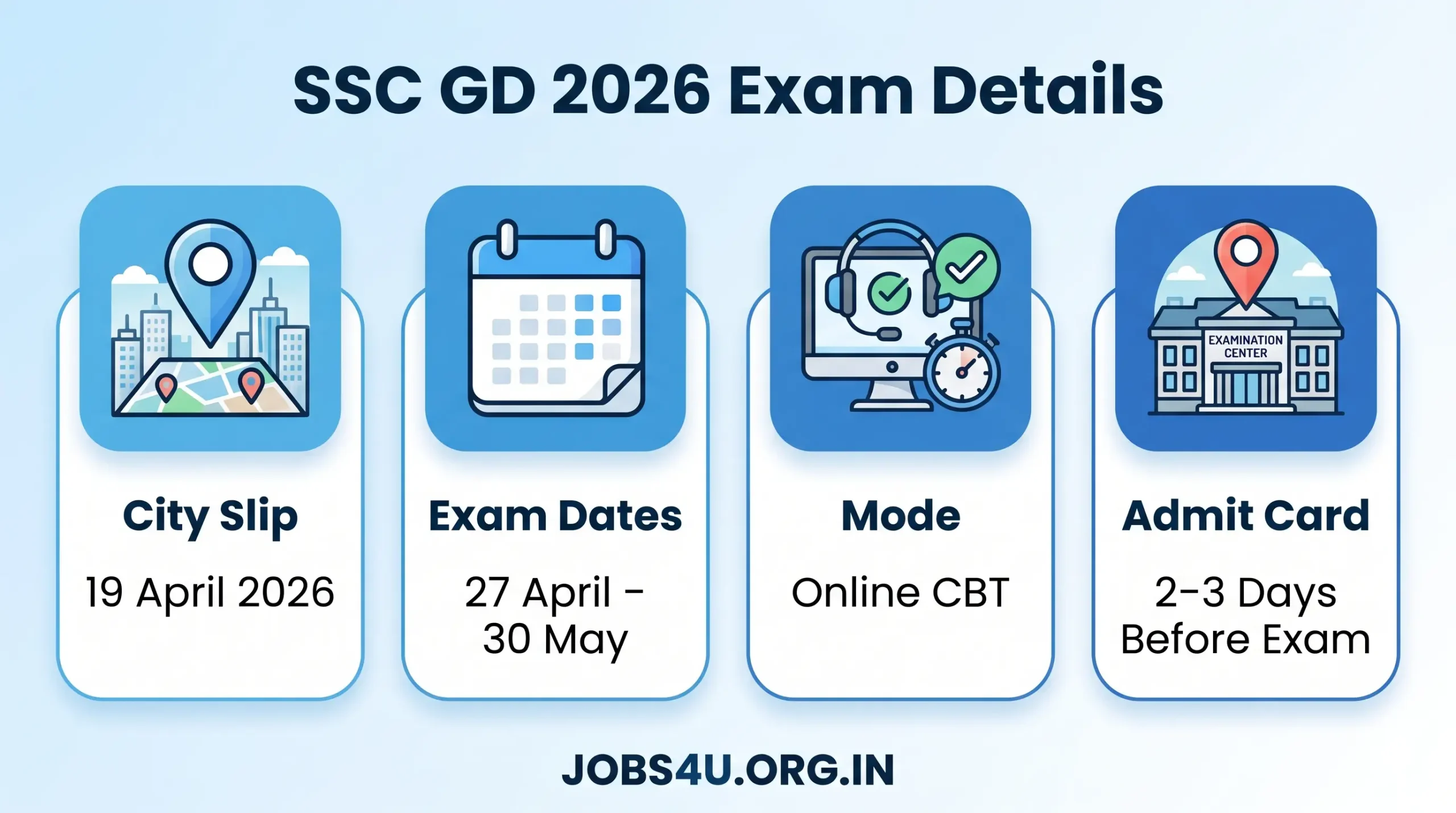
SSC GD Constable Exam City Information Slip 2026 has been officially released by the Staff Selection Commission (SSC) on 19th April 2026. Candidates who applied for Constable (General Duty) posts in CAPF, SSF, Assam Rifles and NCB can now check their allotted exam city, exam date and shift details through candidate login at ssc.gov.in. This slip is only for advance planning of travel and accommodation. This is not an admit card. SSC GD Admit Card 2026 will be released 2-3 days before your scheduled exam date.
Main characteristics
- Date of issue of city information slip: 19 April 2026 (Issued)
- Exam Dates (CBT): 27 April 2026 to 30 May 2026
- total vacancies: 25,487 posts
- exam mode: Computer Based Test (Online CBT)
- official website: : https://ssc.gov.in/
- Loading jobs…
SSC GD Constable Exam City Information Slip 2026 – Quick Overview
| Detail | Information |
| Organization Name | Staff Selection Commission (SSC) |
| Exam Name | Constable (General Duty) Examination 2026 |
| Post Name | Constable (GD) in CAPFs, SSF, Assam Rifles & NCB |
| City Slip Release Date | 19th April 2026 (Released) |
| Exam Dates | 27th April to 30th May 2026 |
| Admit Card Release | 2-3 days before your exam date |
| Exam Mode | Computer Based Test (Online) |
| Total Vacancies | 25,487 Posts |
| Official Website | ssc.gov.in |
important links
| Resource | Link / Action | Status |
| Official Website | https://ssc.gov.in/ | Active |
| City Intimation Slip | Login & Check Exam City | Live |
| Admit Card Download | Available 2–3 days before exam | Upcoming |
Direct Steps to Download SSC GD Constable Exam City Intimation Slip 2026:
- Visit official website: https://ssc.gov.in/
- click on Candidate Login (Or visit Notice Board/Examination Section).
- See notice: “Information about City of Examination – Constable (GD) Exam 2026”.
- Log in using your registration number (username) and Password (or date of birth as per your registration).
- Enter the captcha code and submit.
- Your allotted exam city, exam date and shift details will be displayed.
- Download and save PDF. Take a printout for reference and keep a digital backup.
tip: Download Slip today to avoid heavy server traffic.
Key information is available in the city information slip
- Candidate Name and Registration Number
- Allocated Exam City/State
- Exam date and shift time
- Basic Exam Guidelines
Comment: The city information slip only shows exam city. The exact exam center venue address, roll number, reporting time, photograph, signature and detailed instructions will be mentioned only in Admit card (Released 2-3 days before your exam).
City Intimation Slip vs Admit Card – Key Differences
| Aspect | City Intimation Slip | Admit Card / Hall Ticket |
| Purpose | Advance info for travel planning | Mandatory entry document |
| Release Date | 19th April 2026 | 2–3 days before your exam date |
| Information Provided | Exam city, date & shift only | Full centre address, roll no., photo, signature, reporting time, instructions |
| Allows Entry to Exam | No | Yes (with valid photo ID) |
| Contains Photo/Roll No. | No | Yes |
SSC GD Exam City Intimation Slip 2026 (FAQs)
Q: Is the SSC GD Exam City Intimation Slip 2026 released?
Ans: Yes, the Staff Selection Commission officially released the city intimation slips on 19 April 2026.
Q: How do I check my allotted SSC GD Exam City?
Ans: Log in to the official SSC portal (ssc.gov.in) using your Registration Number and Password to view your allotted city, date, and shift.
Q: Can I change my allotted SSC GD exam city or shift?
Ans: No. Once the SSC has allocated an exam city and shift, requests for changes are not entertained under any circumstances.
Q: Why can’t I see my exact exam center address on the slip?
Ans: The City Intimation Slip is only meant for travel planning. The exact venue address, reporting time, and specific instructions will be printed on the official Admit Card, which is released 2 to 3 days before your specific exam date.
Q: What should I do if I forgot my SSC login password?
Ans: Click the “Forgot Password” link on the SSC login page, select your permanent state, enter your registered email or mobile number, and verify via OTP to reset your password and access your slip.