Name of Post: PSTET Result 2026

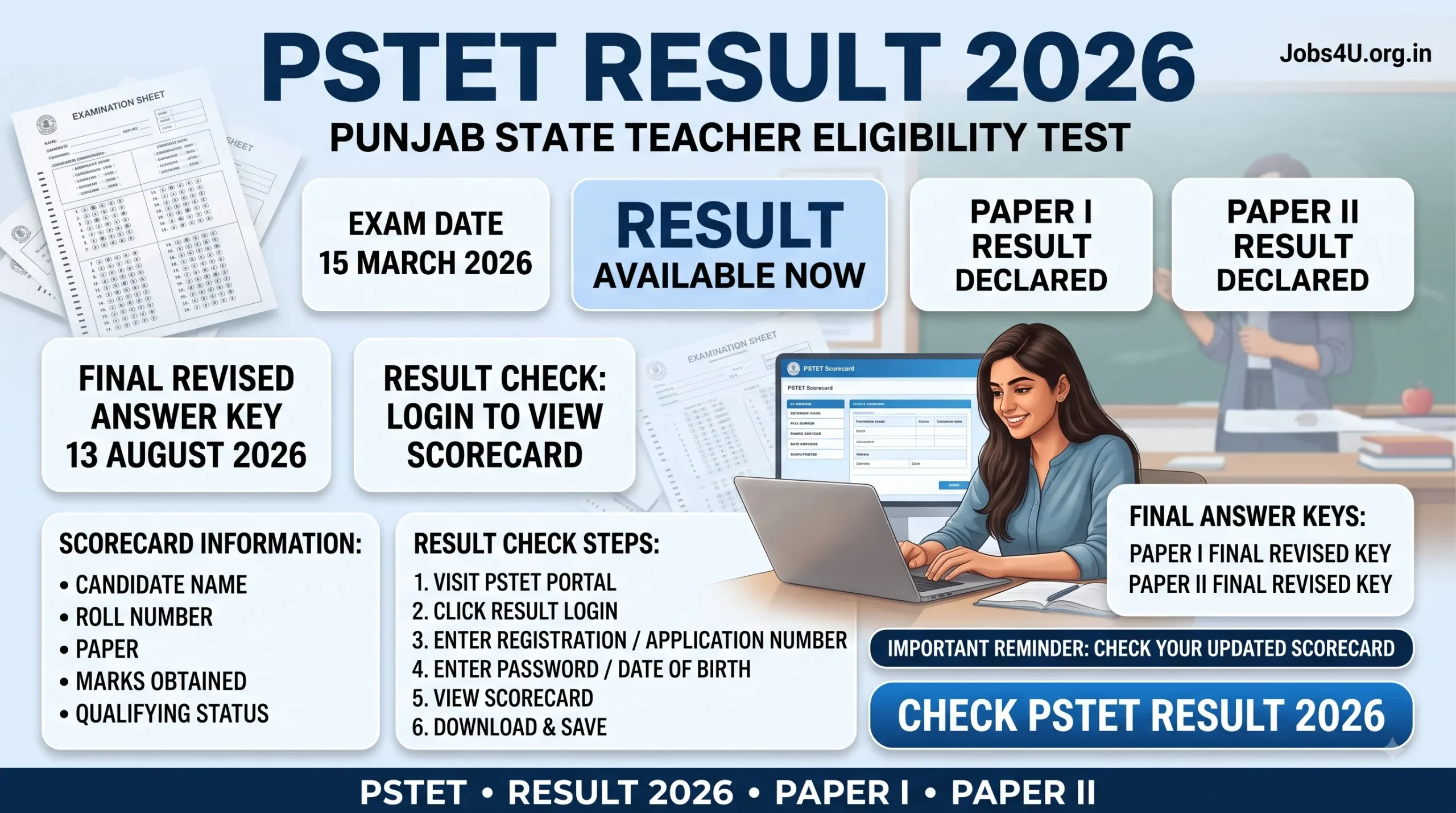
Brief Information: The wait is over for teaching aspirants in Punjab! The Punjab State Teacher Eligibility Test (PSTET) Result 2026 is officially available on the dedicated portal. If you are waiting for more Punjab jobs or teaching vacancies, keep an eye on our main job portal for all recent vacancies. Candidates can now log in to download their official scorecards and review the final revised answer keys for both Paper I and Paper II.
- Loading jobs…
SCERT Punjab / Punjab School Education BoardPunjab State Teacher Eligibility Test (PSTET) 2026 ResultAdvt No: PSTET 2026 | |
Important Dates
| |
Application Fee
| |
Age Limit
| |
| Education Qualification & Eligibility Criteria | |
| Post Name | Educational Qualification & Eligibility |
| PSTET Qualified Candidate | Candidates who appeared for PSTET Paper I (for Classes I-V) or Paper II (for Classes VI-VIII) and secured the minimum qualifying marks are awarded the PSTET certificate. |
Pay Scale / Salary Structure
| |
| Vacancy Details | |
| Exam Name | Status |
| PSTET Paper I | Result Declared |
| PSTET Paper II | Result Declared |
| Total | Scores Available Online |
| Important Links | |
| Check PSTET Result 2026 (Login) | Click Here |
| Download Final Answer Key – Paper I | Click Here to Download |
| Download Final Answer Key – Paper II | Click Here to Download |
| Official Website | Click Here to Visit |
Also Read: Barnala District Court Recruitment 2026 – Apply Offline for Peon & Guard Posts
Selection Process After PSTET Result 2026
Clearing the PSTET is the first major step toward a teaching career in Punjab. Once qualified, candidates follow this general path:
- Download and securely save the PSTET qualifying certificate.
- Apply for upcoming teaching vacancies (Master Cadre, ETT, etc.) released by the Punjab Education Department.
- Appear for subject-specific written exams if required by the new recruitment drive.
- Undergo strict document verification to confirm PSTET validity before joining.
How to Check PSTET Result 2026 Online
Accessing your official scorecard is a simple online process. Just follow these quick steps:
- Visit the official PSTET portal at pstet2025.org.
- Look for the link that says “Click here to login and check result of PSTET.”
- Enter your Registration Number or Application Number in the login field.
- Enter your password or Date of Birth as required.
- Click the submit button to view your dashboard.
- Your subject-wise marks and final qualifying status will appear on the screen.
- Download the PDF scorecard and print a copy for your records.
Also Read: BFUHS Medical Officer Recruitment 2026 – Check Qualification & Selection Steps
PSTET Result 2026 FAQs
Q: Where can I check my PSTET Result 2026?
Ans: You can check your result by logging into the official website at pstet2025.org.
Q: Are the final answer keys available for download?
Ans: Yes, the final revised answer keys for both Paper I and Paper II were uploaded on 13 August 2026.
Q: I entered a wrong roll number earlier. Is it fixed now?
Ans: Yes, candidates who reported incorrect roll numbers have had their results rectified. Please log in again to view your updated scorecard.
Q: What login details do I need to access my result?
Ans: You need your registration or application number along with your password or date of birth.
Q: Does passing the PSTET guarantee a teaching job?
Ans: No, the PSTET certificate is an eligibility requirement. You must still apply and compete for specific teaching vacancies released by the government.
Q: What details are mentioned on the PSTET scorecard?
Ans: The scorecard contains your name, roll number, paper attempted, marks obtained, and your final qualifying status.
Q: When was the PSTET exam conducted?
Ans: The PSTET exam for Paper I and Paper II was held on 15 March 2026.
Q: How do I calculate my marks using the final answer key?
Ans: Download the final answer key PDF matching your booklet series and cross-check it with the responses you marked.
Q: Are there any bonus marks awarded in Paper II?
Ans: Yes, the final key for Paper II notes that a few questions marked with an asterisk will award one mark to all candidates regardless of the option chosen.
Q: What should I do if I find an error in my personal details on the scorecard?
Ans: You should immediately contact the examination authority through the helpdesk details provided on the official portal.